25% off your first order.For one person: products, or your first membership payment, monthly or yearly.

← THE WORKING KITS

THE SCREENSHOT DEMO BUILDER

Your product.
Their first look.

Turn your own screenshots into a guided, clickable demonstration. Place the hotspots, tell the story and export a demo you can host yourself.

Try the working demo ↓
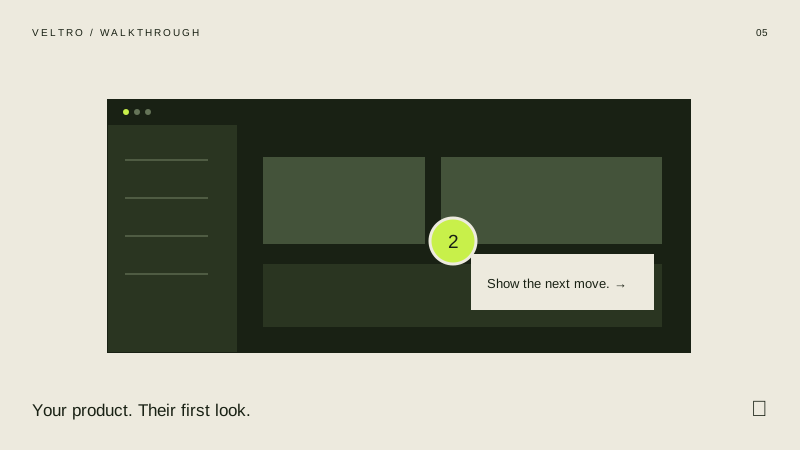
Walkthrough kit illustration
SHOW THE NEXT MOVE.VELTRO / WORKING EDITION
05 editable starting points01 offline editorPortable HTML exportsStandard + agency licences

FIVE USEFUL STARTING POINTS

Start with a job.

For founders, product marketers and customer teams showing how their software works.

THE WORKING DEMO

Make it your own.

Change the content and try the controls. Everything here runs in your browser.

Walkthrough / try it for yourself

LIVE DEMO · MAKE IT YOURS

FIELDNOTESA GUIDED FIRST LOOK

Welcome to a calmer workspace.

Explore the workflow at your own pace. Select a hotspot or use the step controls.

STEP 01 / 04See the whole workspace
See the whole workspace in a fictional project workspace

See the whole workspace

Start with a clear view of projects, people and the week ahead.

Fictional sample screens · upload your own screenshots before publishing.

SELECT A HOTSPOT TO CONTINUEILLUSTRATIVE SAMPLE

WHAT COMES IN THE ZIP

Made for
the real page.

Your actual screens, explained one step at a time. Screenshots stay inside the exported files.

01

An editor you can keep.

Edit screenshots, step order, explanations, hotspot positions and the final action. Save a settings file and return to the work later.

02

Five complete examples.

Each starting point includes a working HTML file, editable settings and a printable example. Source files are included.

03

A way into your website.

Standalone and embed exports, a Webflow embed example and a Framer Code Component wrapper for your hosted HTML. Setup guides explain the steps.

04

Files that stay yours.

The purchased editor works offline. No Veltro account, usage meter or subscription is needed. Hosting and third-party platform plans are separate.

WALKTHROUGH / COMPLETE KIT

Put it
to work.

The same complete kit. Choose the project allowance you need.

Read the licence options ↗

One project

£149one-off · one commercial project

Purchase opening soon. Try the working demo above.

Agency edition

£349one-off · up to 10 commercial projects

Purchase opening soon. Try the working demo above.

Working kits are separate from membership treatment credits and Pick & Mix. Any applicable taxes are shown at checkout.

A LITTLE HELP GETTING STARTED

Your brand.
Our setup.

Have us apply your content, colours and data to a purchased kit. Send the brief for a fixed-scope quote.

Request branded setup ↗
What exactly does the kit do?

This creates guided screenshot demos. It does not record your browser, clone a live application or export video. Uploaded images are resized for portable files; the sample screens are fictional.

What can I export?

You can export interactive HTML, embed HTML, editable JSON settings with images and a printable step-by-step guide. Print the summary or guide from your browser to save a PDF. The interactive exports start at the beginning with your configured content.

Will it work in Framer or Webflow?

Webflow can use the direct HTML embed or a hosted iframe on a plan that supports custom code. The included Framer Code Component wraps a hosted HTML export; it does not edit the tool’s internals inside Framer. Adjust the frame height at each breakpoint and test the published page.

Which licence do I need?

The standard licence covers one commercial project. Agency covers up to ten distinct commercial projects, including client work. Each separate client website, product or campaign counts as one project. Existing published work can remain in use. You cannot resell the kit or editor, redistribute it as a library, or give it to clients for unrelated projects. Your purchase receipt identifies your edition; the full licence is inside the ZIP.

Where does my content go?

The editor processes your content on this device. Drafts use browser storage where available. Save a settings file for a portable backup, especially for screenshot-heavy work. Exported HTML contains the content needed to display your tool.

How do I get my files?

After payment, use the licence key on your receipt at the download page. The complete kit arrives as a ZIP. Extract it before opening the editor.
KEEP EXPLORINGAll five working kits ↗